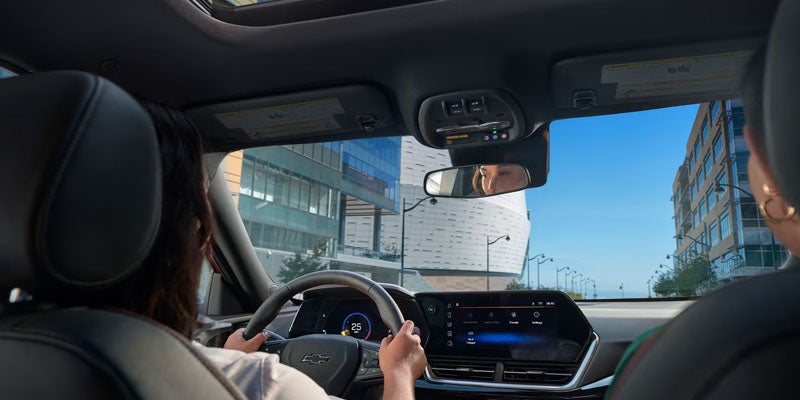





The Chevy Blind Spot Monitoring System is also known as Lane Change Alert with Side Blind Zone Alert. It's part of the Chevy Safety Assist system and helps prevent accidents by warning you of potential danger so you can avoid it. We're going to look at how this system works. What Is Lane Change Alert With Side Blind Zone Alert? Blind zones have always been dangerous for drivers, as they're areas you can't easily see into when you're behind the wheel. A vehicle can easily enter one of these zones, and it's effectively invisible until it appears in your side view mirror, and then it may be too late to prevent a collision. Side Blind Zone Alert warns you of any vehicle that enters one of your Chevy's blind zones. Lane Change Alert warns you if a fast-moving vehicle is present in the adjacent lane and is about to enter a blind spot. These two systems work together to identify vehicles in your blind spots and alert you to them to prevent an accident. How It Works This system uses radar sensors located in the rear corners that continually scan all blind spots. If a vehicle is detected, you'll hear a warning sound and a yellow icon will appear in the corresponding side view mirror to show its direction. If your turn indicator is active, and you're about to enter the neighboring lane, the warning icon will flash to alert you to an approaching vehicle. Activating the System This system is automatically active by default, and the warning icons will briefly appear in both side view mirrors when you start your Chevy to show it working. You can deactivate the system using the Vehicle Personalization screen on your infotainment panel. If you switch it off, the system remains off even when you restart your Chevy. When you switch it back on, the icons will appear in the side view mirrors and briefly flash to show the system is active again. Sensors and Trailers The system may not work correctly when you're towing a trailer, as it can block the sensors. You can, however, install the available Trailer Side Blind Zone Alert, which extends sensor coverage to the area behind your trailer. Important Considerations The sensors may detect guardrails on the side of the road and issue an alert, but this doesn't mean there's a problem with the system. Since the sensors are located at the rear corners, it's important these areas are always clean, as dirt, mud, or snow can build up and block a sensor's field of vision. If you'd like to know more about your Chevy's safety systems, contact us at Coughlin Chevrolet of Pataskala in Pataskala, OH.